Find the content you remember.

CommandF searches your images and the pages inside PDFs, Word documents and PowerPoint decks by what’s in them. Describe the scene or the slide. Skip the filename.

Remember the scene. Forget the filename.

For most archive searches, the useful starting point is what’s in the picture: a person, a setting, an object, an activity.

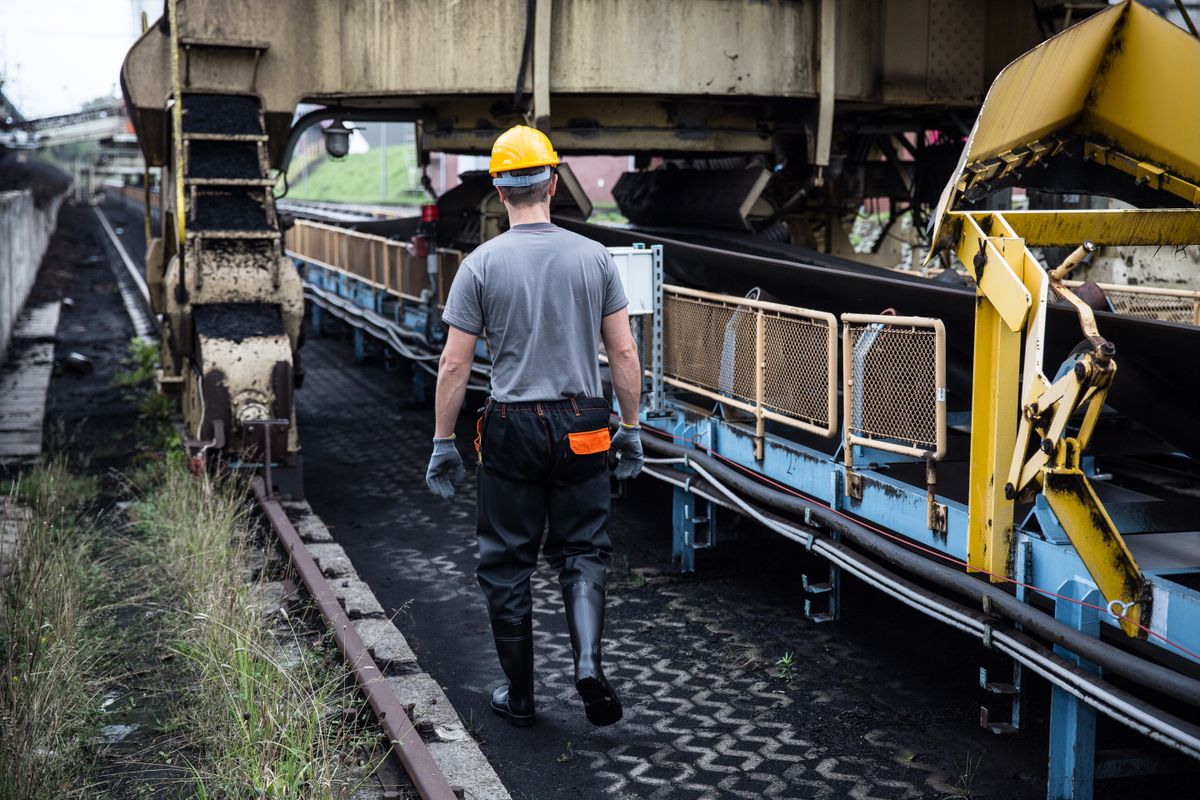
Type it the way you’d say it to a colleague. CommandF searches image content in descriptive language, so “an engineer beside a conveyor” is a search you can run, even when nobody remembers what the file was called.

A worker in a hard hat walking beside a conveyor at an industrial site
DSC_0042_final_v3_USE-THIS.jpg

Describe what you remember.

Try it on a small sample archive. Results arrive in three groups, so you can see why each one turned up before you open it.

Search16 assets

Find the moment

Describe what you remember.

Try

Contains requested text

Same concept, different wording

Broad theme / appearance

Illustrative interface · demo content

Find the page inside the file.

Sometimes the asset you need is one page in a long report, or one slide in last year’s deck.

ImagesPDFWordPowerPoint
  • SearchSearch across PDFs, Word documents and PowerPoint decks
  • OpenGo straight to the page or slide that matched
  • InspectCheck it in the preview before you reuse it

Built for teams with an archive worth finding again.

Two places where the same request keeps coming back: the communications team writing this year’s report, and the agency answering a brief it has seen before.

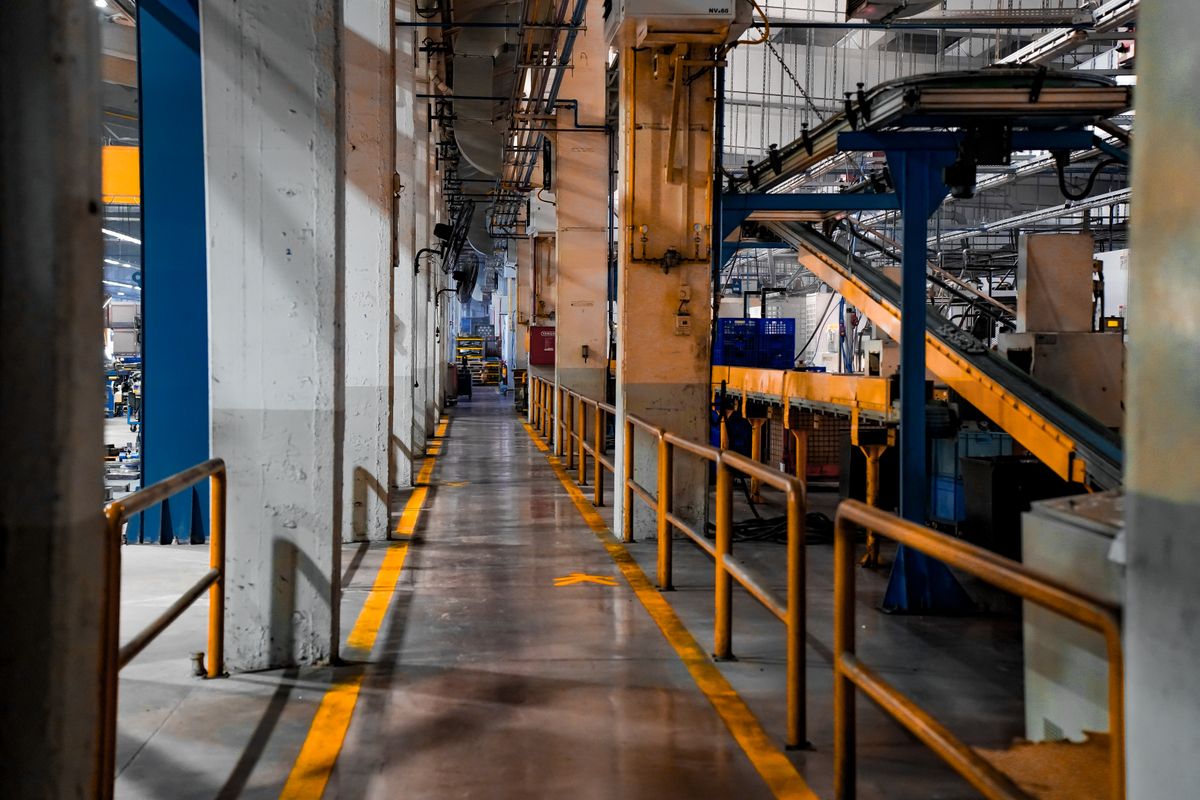
Long walkway through a factory floor with conveyor systems
Annual report
Our sites

For corporate communications teams

The next report starts in your archive.

Find the site photograph, then the supporting page or slide from an earlier publication. Your archive owner still checks the date, context and permission before anything is reused.

Two people reviewing printed photographs and colour swatches on a studio table
Campaign review

For content and creative agencies

Bring past work into the next brief.

“Didn’t we already make something for this?” Explore earlier images, deck pages and documents by the content you remember, starting with one client-approved collection.

Found it? Check it before reuse.

A search result is a starting point. CommandF puts the page or image in front of you so the person who owns the archive can decide whether it fits this brief.

  • Right asset
  • Right context
  • Permission to reuse

Start with one small archive.

You don’t need to move everything to find out whether CommandF helps. A demo can lead to a bounded test with your own material.

50–100authorised images and PDF, Word or PowerPoint files
10real retrieval requests your team already receives
1agreed review, with the finds and the misses on the table
  1. Book a demoTell us who searches, what they need and how they find it today. No files needed.
  2. Agree the sampleChoose content you have permission to test, and agree access and data handling.
  3. Run ten real requestsCompare CommandF with your current workflow on the same files.
  4. Review togetherLook at what was found, what needed context and what wasn’t found, then decide.

Scope, success criteria, data requirements and commercial terms are agreed before any private material is loaded.

Is your archive ready for a closer look?

Book a demo and bring one request your team struggles with. We’ll walk through it with you.

No private files needed for the first conversation.

Your email is ready to send.

Your email app should have opened with the request filled in. Send it to book your demo. Nothing opened? Email demo@commandf.co.za.